











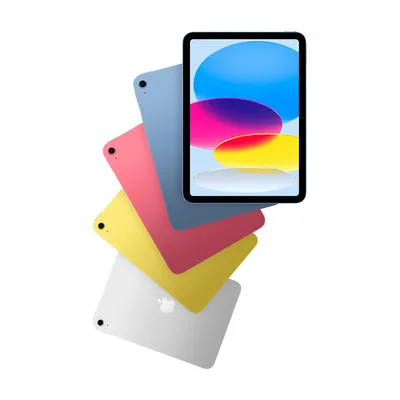
- Screen
- 11" IPS LCD
- Chip
- A16
- Memory
- 128 GB storage
- Battery
- 28.93 Wh
Tablet Comparison Tool
Choose 2 to 5 tablets and read them row by row: screen and brightness, chip, RAM and storage, battery, cameras, pen and keyboard support, size and weight.
Popular:
- 214 tablets, 19 brands
- Specs taken from maker spec sheets
- No paid placements
What TabletRadar is for
Tablet spec sheets are written to sell. One maker quotes peak brightness, another typical; one counts virtual RAM, another doesn't; weight is listed for the Wi-Fi model on one page and the 5G model on the next. TabletRadar copies the numbers from each maker's own spec sheet into one layout, so an iPad, a Galaxy Tab and a budget Android tablet finally read the same way.
-
Two to five tablets, one table
Pick tablets above and read every spec in one table, from screen size and chip to battery, cameras, pen support and weight.
-
Narrow the whole field
The Tablet Finder filters every model by brand, operating system, screen size, cellular and pen support, so the list shrinks to the ones that fit.
-
Real RAM, not marketing RAM
Many budget tablets advertise RAM that includes storage borrowed as "virtual" memory. We record the physical RAM only and note the advertised total.
-
From the maker, or blank
Every value comes from the maker's spec sheet, support page or press release. When a maker doesn't publish something, we leave it empty instead of guessing.
Most popular tablets
Popular models, refreshed as our catalog updates.
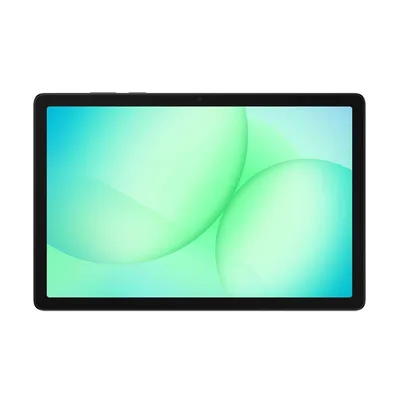
- Screen
- 11" LCD
- Chip
- MediaTek
- Memory
- 6 GB RAM · 128 GB storage
- Battery
- 7,040 mAh
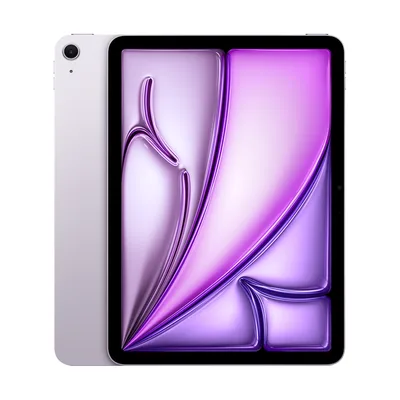
- Screen
- 11" IPS LCD
- Chip
- Apple M4
- Memory
- 12 GB RAM · 128 GB storage
- Battery
- 28.93 Wh
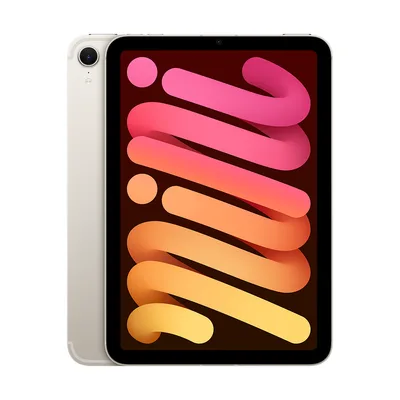
- Screen
- 8.3" IPS LCD
- Chip
- A17 Pro
- Memory
- 128 GB storage
- Battery
- 19.3 Wh
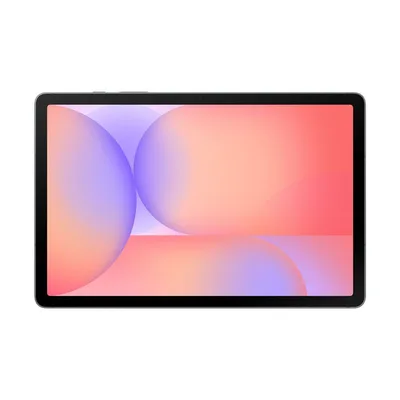
- Screen
- 10.9" LCD
- Chip
- Exynos 1380
- Memory
- 6 GB RAM · 128 GB storage
- Battery
- 8,000 mAh
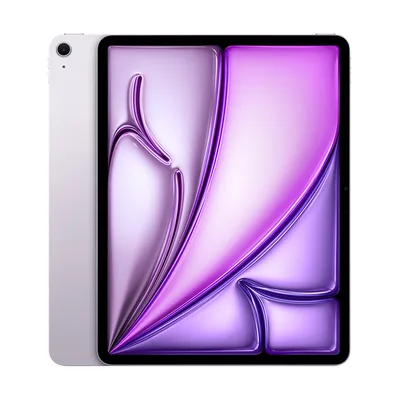
- Screen
- 13" IPS LCD
- Chip
- Apple M4
- Memory
- 12 GB RAM · 128 GB storage
- Battery
- 36.59 Wh
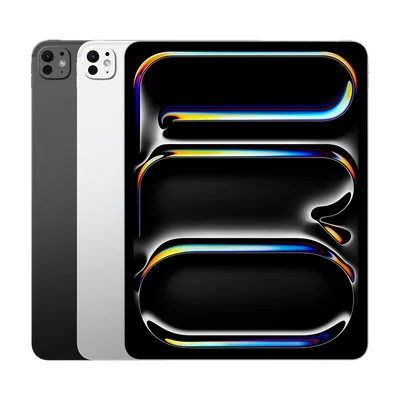
- Screen
- 13" Tandem OLED
- Chip
- Apple M5
- Memory
- 12 GB RAM · 256 GB storage
- Battery
- 38.99 Wh
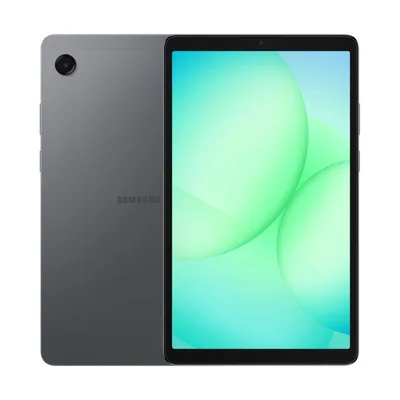
- Screen
- 8.7" LCD
- Chip
- —
- Memory
- 4 GB RAM · 64 GB storage
- Battery
- 5,100 mAh
How to choose a tablet
Six things to decide, in the order that rules out the most tablets first.
1 / 6
Shop tablets by brand
Latest tablets
Tablets most recently added to our database.

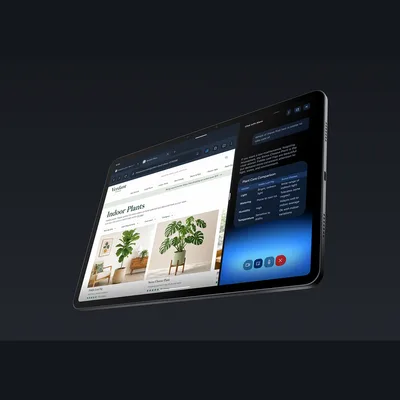
- Screen
- 11" IPS LCD
- Chip
- MediaTek MT8189
- Memory
- 8 GB RAM · 64 GB storage
- Battery
- —
- Screen
- 11" IPS LCD
- Chip
- MediaTek MT8189
- Memory
- 8 GB RAM · 64 GB storage
- Battery
- —

- Screen
- 8.7" IPS LCD
- Chip
- MediaTek MT8189
- Memory
- 4 GB RAM · 64 GB storage
- Battery
- —
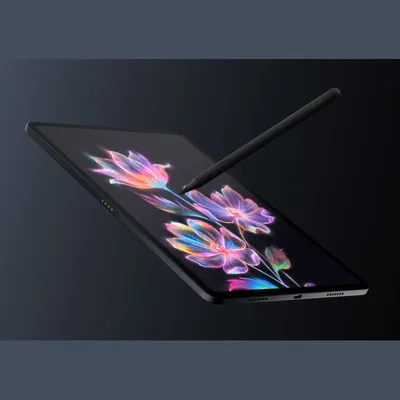
- Screen
- 11.95" IPS LCD
- Chip
- MediaTek MT8793N
- Memory
- 8 GB RAM · 128 GB storage
- Battery
- —
How we compare: specs you can check, not scores you can't
Sourced field by field
Every spec comes from the manufacturer's own pages and datasheets, and we record where each value came from.
Same yardstick for all
Every tablet gets the same spec sheet, so an iPad, a Galaxy Tab and a rugged work tablet read row by row.
Independent
We earn from Amazon purchases, never from brands. Read the disclosure.
Frequently asked questions
Where do the specs come from?
From each maker's own spec pages, support pages, developer documentation and press releases, plus Open Icecat for some Lenovo and Samsung data. We collected and analysed the specs; we don't test tablets ourselves.
Why is a spec blank for some tablets?
Because the maker doesn't publish it. Rather than fill the gap with an estimate, we leave it empty so you know it isn't confirmed.
Why is the RAM lower than the box says?
Many budget tablets advertise physical RAM plus storage used as extra memory, such as "20 GB RAM (4 GB + 16 GB extended)". We list the 4 GB of physical RAM, because that's what the tablet actually has.
Which tablet weight do you show?
The base model's, which is usually the Wi-Fi version without keyboard or case. Cellular versions are often a few grams heavier.
How many tablets can I compare at once?
Up to five. Add them with the comparison tool at the top of this page, or tick Compare on tablets in the Tablet Finder.